My Name is Kuti,

Google Ads Expert

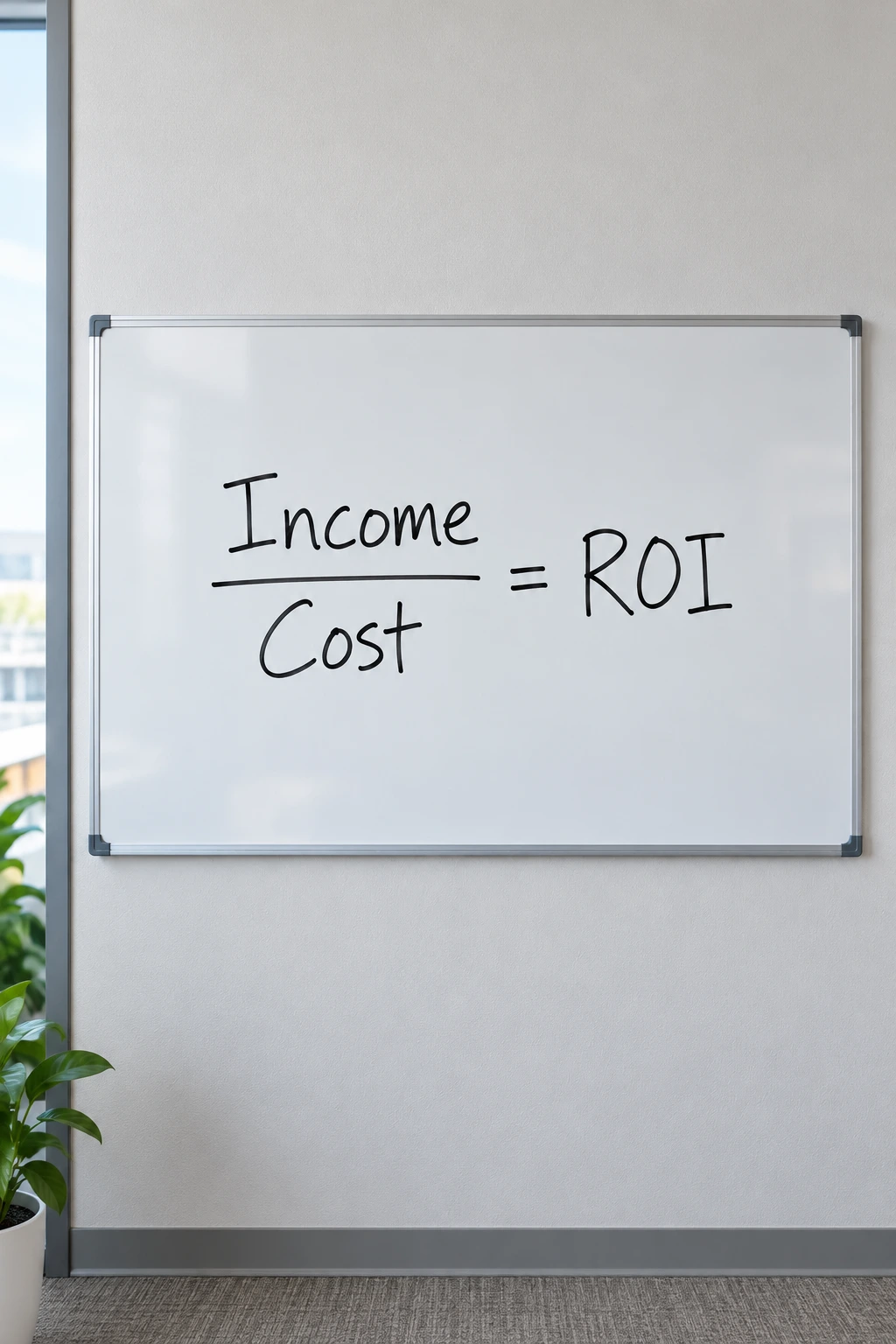
Focused on ROI. 10 Years of Experience. Let's win!

My name is Kuti,

Google Ads Expert

Over 20,000 hours of experience and one simple promise:
If I don’t make you money – I don’t deserve to take yours.

My name is Kuti,

Google Ads Expert

Over 20,000 hours of experience and one simple promise:
If I don’t make you money – I don’t deserve to take yours.

kuti nahari

Start increasing profits

Starting from $310

The most advanced technologies.

Optimizing every $ of the budget. Customizing all relevant systems to the client.

The best achievements.

I see myself as a partner of the business, therefore its maximum success is my success.

The best conditions.

Continuing to the next month – only if you’re satisfied with the results. Fair prices.

Trusting clients

All your digital marketing needs in one place

Google Ads campaigns

Google Ads campaigns, strategy development, market research and analysis, target audience definition, competitive advantages, messaging, copywriting, and goal setting.

Social media campaigns

Paid campaigns on Facebook, Instagram, TikTok, Outbrain, Bing, and Twitter.

Websites and landing pages

Websites and landing pages focused on conversion rate. From the moment the site or landing page is launched, I run A/B tests to improve performance.

Advanced reports

Advanced reports in Google Data Studio. One report that summarizes all channels, updates in real time, and can be accessed anytime on an ongoing basis.

Banner design

Banner design using a designer or AI, with visuals that attract the target audience and compelling copy that clearly communicates the product/service and drives action.

Analytics and automation

Advanced eCommerce implementations for online stores, and integration of lead funnels from every ad and channel into the CRM system when the goal is lead generation.

Leave your details to schedule a call!

    My monthly budget is:
    Contact me through:

    Google Ads advertising

    Remarketing based on user behavior on the website

    There is no need to run remarketing to everyone who visited the website. A large portion of the audience is not relevant—especially those who had no interaction at all.

    The right approach is to run remarketing only for users who clicked a button, watched a video, viewed more than 50% of the page, etc., since these are the users who actually showed interest and are worth investing more of your budget in.

    Ad Evolution

    For each ad group (a set of keywords in Google Ads), it’s important to run multiple ads in a structured way so they can be compared.

    The ad with the higher click-through rate (CTR) moves forward, and then you continue testing by changing one element at a time—allowing this rate to improve continuously.

    CTR also impacts Google’s Quality Score. The higher the score, the lower the cost per click.

    Avoiding irrelevant keywords

    Google Ads campaign planning must be precise and detail-oriented, ensuring you don’t pay for keywords that are not exactly aligned with what you’re selling.

    For example, in an old account of one of my clients who sells central air conditioners, 40% of the budget was spent on keywords such as “central AC repair model X,” “central AC technician,” and similar terms—while the business was focused on sales, not repairs.

    Modifying the landing page for specific keywords

    There are search terms for which it’s worth making specific adjustments to the landing page the ad leads to—for example, matching the page headline to the exact search query.

    This way, the user feels they’ve arrived at exactly the right place.

    It’s important to note that this doesn’t require actually changing the page itself—everything is done using a system that integrates with Google Ads.

    In the graph: I increased one of my clients’ weekly number of transactions by 3x within 4 weeks, while maintaining the same weekly spend.

    In the table: an eCommerce client whose revenue I increased by 30% כבר בחודש הראשון (February 2019).

    How to increase the number of customers without increasing the budget

    Take the original landing page and create 4 additional versions (based on the number of elements you want to test).

    In each version, change only one element (headline, image, offer, button, color, etc.), and split the traffic across the 5 pages.

    After sufficient time, you can determine which version achieved the highest conversion rate and keep that one.

    Conversion Rate = customers / total visitors

    Building a dedicated website / landing page

    Turn visitors into customers

    Allows you to see which keyword a specific customer came from when they closed a deal

    Responsive – optimized for all device types

    A/B Testing (experiments to improve page performance)

    Analytics for tracking and analyzing visitor activity

    The difference between optimizing for leads and optimizing for leads that convert into customers

    If the goal of Google Ads campaigns is to bring users to the website so they fill out a form (LEAD), this is only an intermediate goal.

    The ultimate goal is to bring users to the site, have them fill out a form, and then convert into paying customers.

    Therefore, the key metric is not just the number of leads generated by a specific campaign, but also the number of actual customers (CLIENTS) it produces.

    Since the stage where leads become customers happens offline, it is necessary to capture, at the form submission level (i.e., the details received via email when someone submits a form), the Google Ads campaign data, keyword, and any other relevant information.

    See the example in the image (green arrows) of an email received from a form that successfully implements these capabilities.

    Accurately track which keyword or campaign in Google Ads generates phone calls

    The scenario is that a user sees an ad, clicks it, arrives at the website, and then calls the phone number displayed on the site. The same scenario can occur on mobile, where the user clicks the phone number to initiate a call.

    There are several call tracking systems on the market, and some are not accurate. Without precise tracking that shows which campaign each call came from, you might mistakenly conclude that a certain campaign is underperforming—when in fact it is generating most of the calls.

    I work with an advanced call tracking system that integrates with Google Ads and allows you to see call time, call duration, the caller’s phone number, status (answered or missed), and the exact campaign/ad/keyword that generated the call. In addition, the system can send SMS reminders for missed calls.

    Using the Google Ads GCLID parameter

    The third green arrow in the image shows the parameter called GCLID. This parameter is “attached” to a user the moment they click on a Google Ads ad. Using this data, you can feed back the number of customers generated by each campaign into the Google Ads system.

    Once we know, for each campaign, how much was spent and how many customers it generated, we can make smarter budget allocation decisions.

    Another advantage of this capability is that when contacting a potential customer, we already know exactly what they searched for when they arrived at the site and filled out the form.

    The benefits of directly integrating Ecommerce tracking code with the Google Ads system

    Click here to leave your details

    Conversion Rate Optimization (CRO)

    Conversion Rate Optimization (CRO) focuses on turning more website visitors into actual customers.

    To implement this in practice, we start by defining clear goals (forms, purchases, calls).

    The main tools are Google Analytics and GA4 for measuring user behavior, and Hotjar/Clarity for heatmaps and user recordings.

    I run A/B tests using Google Optimize and Optimizely, which allow comparison between different landing page versions.

    Improving user experience (speed, mobile optimization, clear content) has a direct impact on conversion rates.

    Through continuous data analysis and forming new hypotheses, I drive ongoing improvement.

    Using the Google Tag Manager (GTM) system to optimize campaign performance in Google Ads and other channels

    Using this interface, you can embed code on the website that acts as a container for all other codes (Google Ads, Facebook Ads, Analytics, Hotjar, and more).

    In addition, you can track every event that occurs on the site and identify which campaign generated that event.

    An event can be a video click, scrolling down the page, enlarging an image, visiting a specific page, or any action that involves a click.

    These actions are not the main goals (such as a purchase, phone call, or form submission), but they help assess the quality of campaigns at an earlier stage—before enough data is collected for primary goals.

    About Me

        My name is Kuti (Kobi) Nahari,

    I have been working in digital marketing since 2013, and since 2018 I’ve been self-employed.

    I hold a dual bachelor’s degree in Economics and Film from Tel Aviv University, and I’m currently completing my MBA (at the same university).

    Most of my clients have been working with me for over 6 years. I choose to work with clients whose service or product I truly believe in.

    You’re welcome to reach out and speak with me to see if there’s a good fit for working together.

        Thank you very much 🙂

    Certified Google Search Ads Specialist
    Google Analytics Certified

    Copyright © 2026 KNP-Marketing. All rights reserved. Privacy Policy

    The website was built by KNP-Marketing